Disclaimer We are an Independent Information Guide and NOT the official government website. Visit Official Site (parivahan.gov.in) ↗
UMANG App Logo
Official Govt App
20,000+ Services

UMANG App Guide:
Access DL, RC & eChallans

Everything you need to know about the UMANG app. Save your Driving Licence (DL), Vehicle RC, and other important documents safely on your phone.
(उमंग ऐप से अपने सभी सरकारी दस्तावेज़ मोबाइल पर रखें)
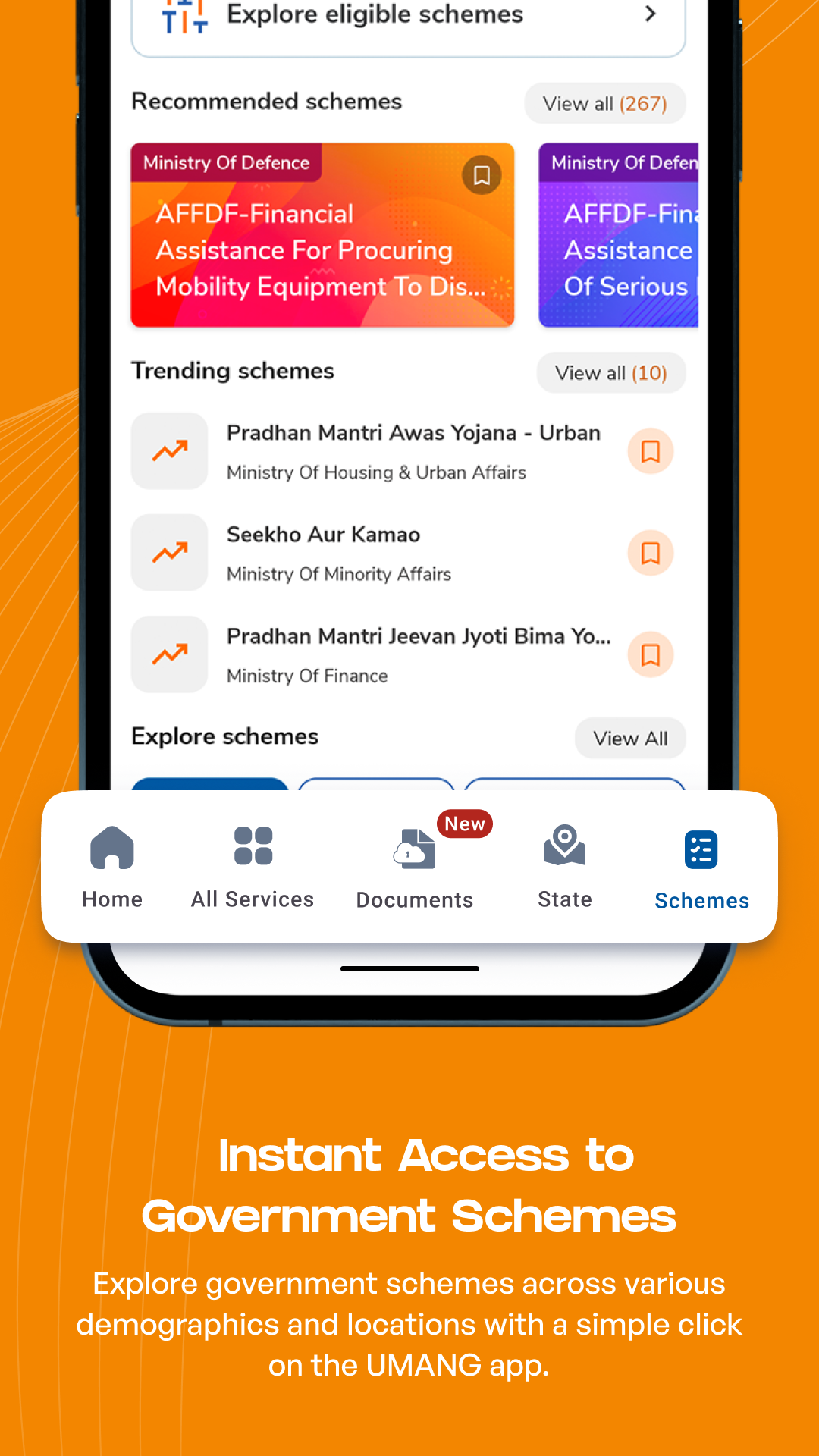
App Interface Overview

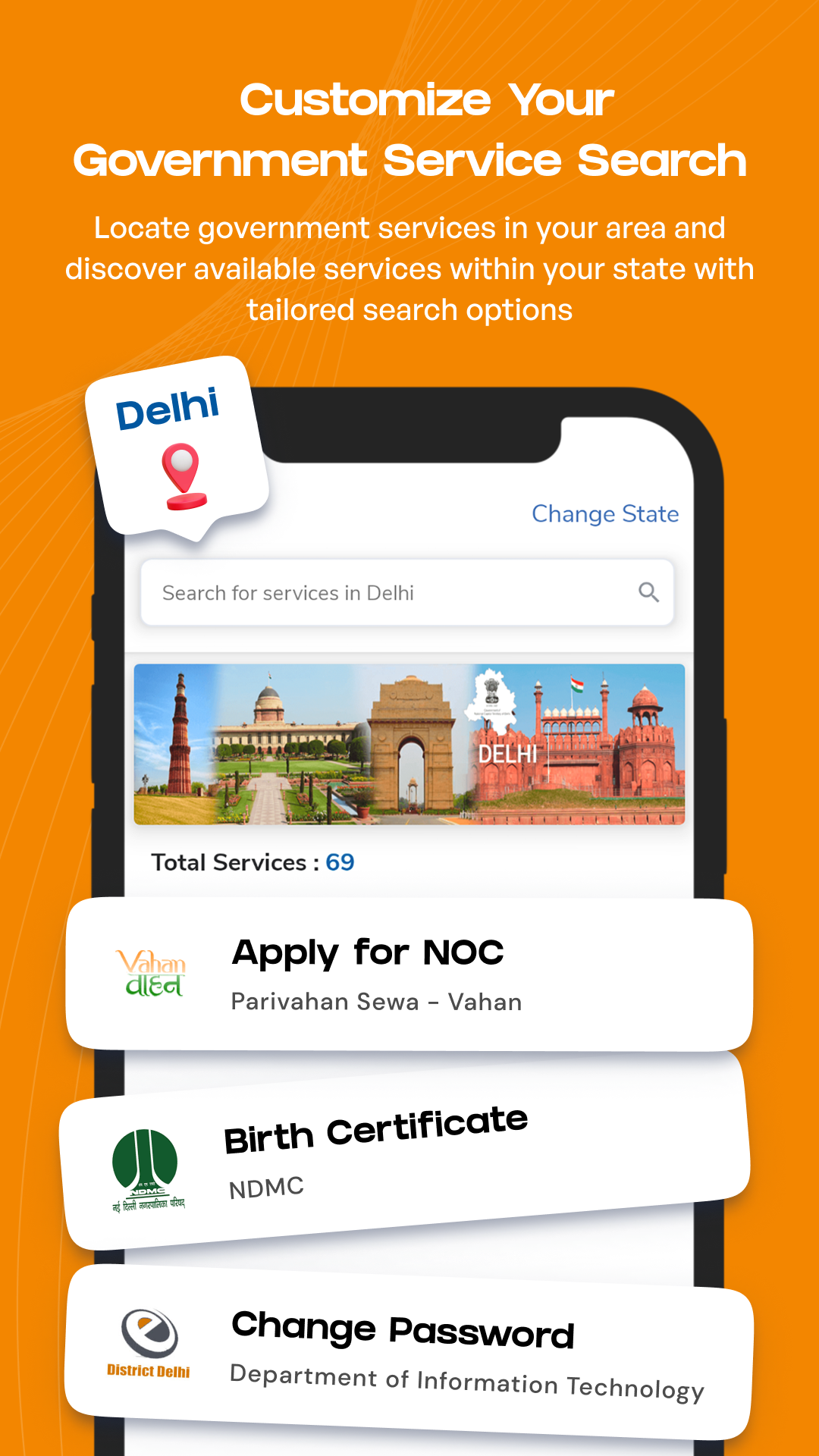
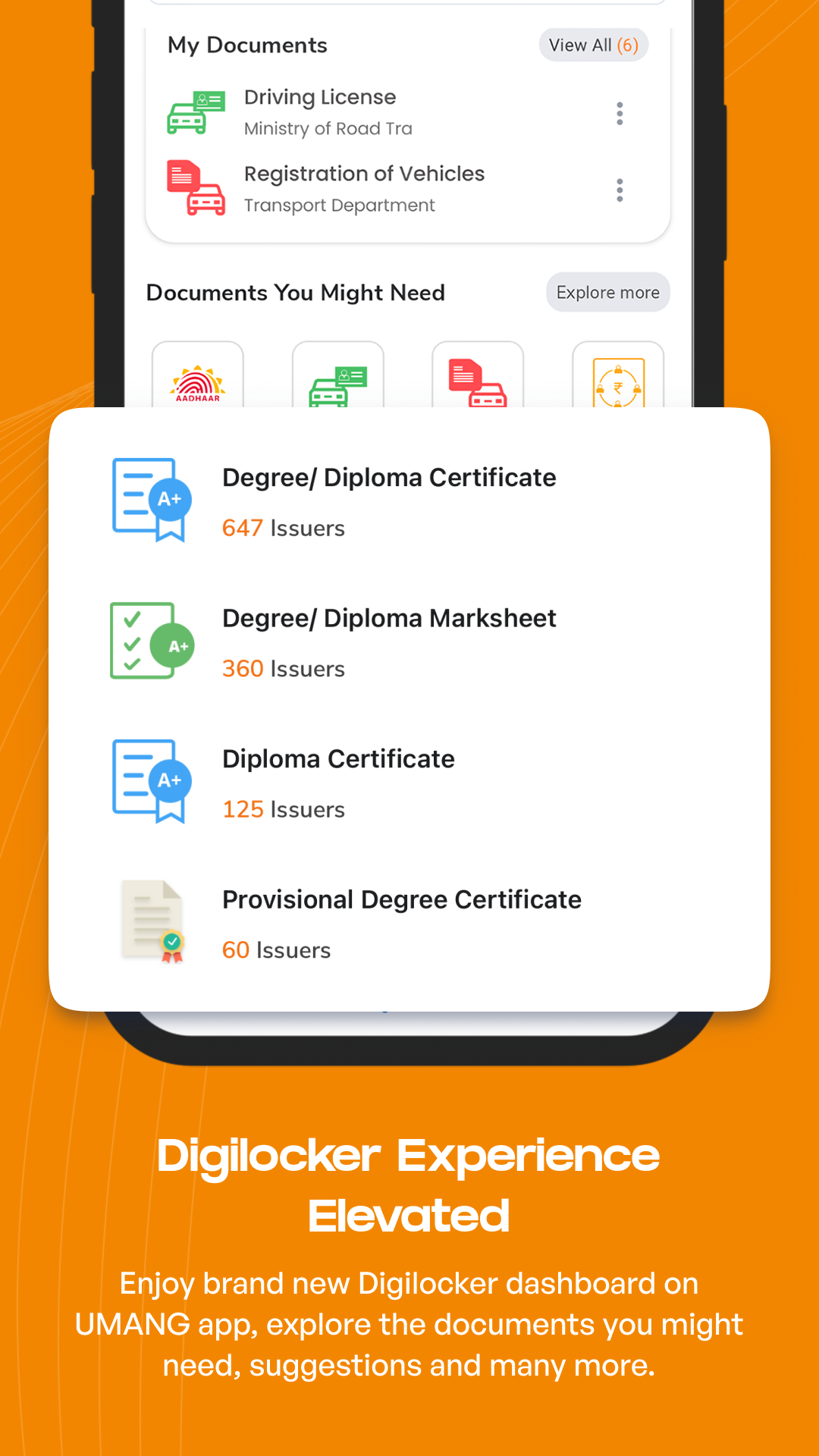
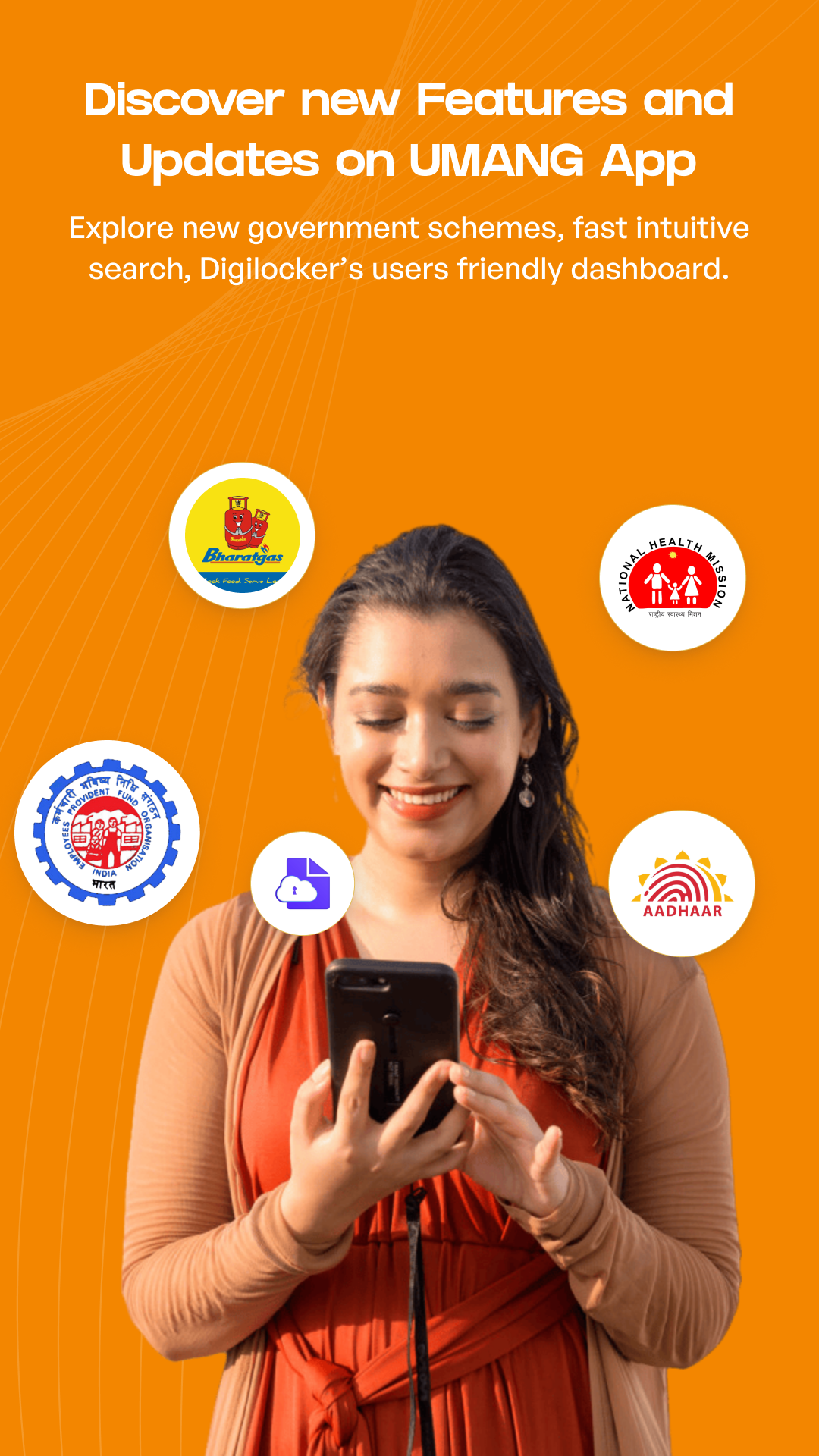
UMANG App Interface 1 UMANG App Interface 2 UMANG App Interface 3 UMANG App Interface 4

Unified Transport Access inside UMANG

The UMANG app (उमंग ऐप) is an official government platform that brings thousands of services directly to your smartphone. You don't need separate apps for EPF, PAN, DigiLocker, or Parivahan anymore. UMANG combines everything into one easy-to-use application. It is 100% safe, official, and legally valid across India.

DigiLocker Integration

Link your DigiLocker account to instantly download your Driving Licence and RC. Show these digital copies to traffic police anywhere in India. (डिजिलॉकर से लिंक करें और पुलिस को डिजिटल कॉपी दिखाएं)

Vahan Services

Check your vehicle's registration details, owner name, and road tax status directly from your mobile screen. (अपने वाहन और टैक्स की जानकारी फोन पर पाएं)

Sarathi Portal Services

Track your Driving Licence application status, renew your DL, or prepare for your Learner's test easily. (ड्राइविंग लाइसेंस का स्टेटस चेक करें)

Traffic Fines (eChallan)

Find out if you have any pending traffic fines (eChallans) and pay them instantly using UPI or NetBanking. (अपने ट्रैफ़िक चालान तुरंत भरें)

How to link Driving License and RC inside UMANG?

Step 1

Download & Authenticate

Download the official UMANG app from the Google Play Store or Apple App Store. Sign up using your mobile number. (उमंग ऐप डाउनलोड करें और रजिस्टर करें)

Step 2

Access Search

Open the app and search for "Parivahan Sewa" (परिवहन सेवा) or "DigiLocker" in the top search bar.

Step 3

Provide DL/RC Details

Select the document you want to add, like your Driving Licence or Vehicle RC. Enter your details to proceed. (अपना DL या RC नंबर दर्ज करें)

Step 4

Secure Document View

Click on "Get Document". Your official digital card will appear with a QR code. This is legally valid under the IT Act. (आपका डिजिटल दस्तावेज़ तैयार है)

Rule 139 CMVR Notice

Did you know? Under Rule 139 of the Motor Vehicles Rules, showing your DL or RC on the UMANG app is fully legal. Traffic police cannot force you to show a paper copy if you have it in the app!

(ट्रैफिक पुलिस को ऐप में DL/RC दिखाना पूरी तरह मान्य है)

App Stats

Downloads 100M+
Rating 4.3/5
Services 20,000+
Developer MeitY & NeGD

UMANG vs mParivahan

If you only want transport services like RC and DL, use mParivahan. But if you want a single app for everything (Aadhaar, EPF, PAN, Parivahan), UMANG is the better choice.

(सिर्फ गाड़ी के लिए mParivahan, सभी सरकारी कामों के लिए UMANG)

Read mParivahan Guide

Conclusion

The UMANG app makes it incredibly simple to handle government tasks from your phone. Discover more tips and tricks for UMANG Parivahan Services on our home page.

(उमंग ऐप से अपने सभी सरकारी काम आसान बनाएं)

Was this RTO guide helpful?